
The photo on the card
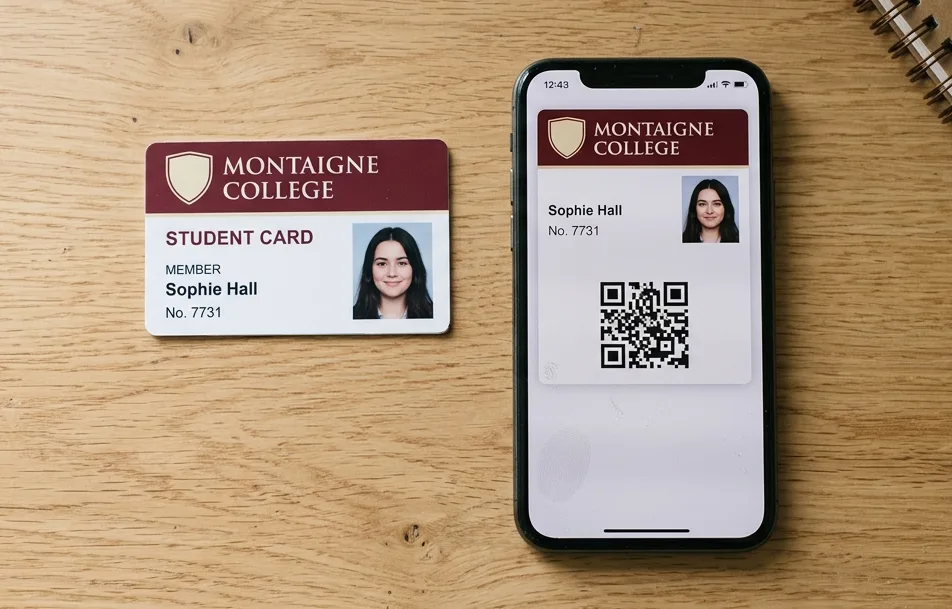
Name, number, validity year and the student's photo: the card in the phone carries the same details as the printed card.
Wallet Cards · student card, school ID and access badge with photo
At the start of term, one link is enough: each student adds their card to Apple Wallet or Google Wallet, with their name, number, photo and the code read at the door, the library or the canteen. Photos are imported all at once from your file. Validity is updated remotely from one year to the next, and the card of a student who leaves is deactivated from your dashboard.

Why a digital student card
Name, number, validity year and the student's photo: the card in the phone carries the same details as the printed card.
You send a single link, or display its QR code at reception: each student adds their card to Apple Wallet or Google Wallet.
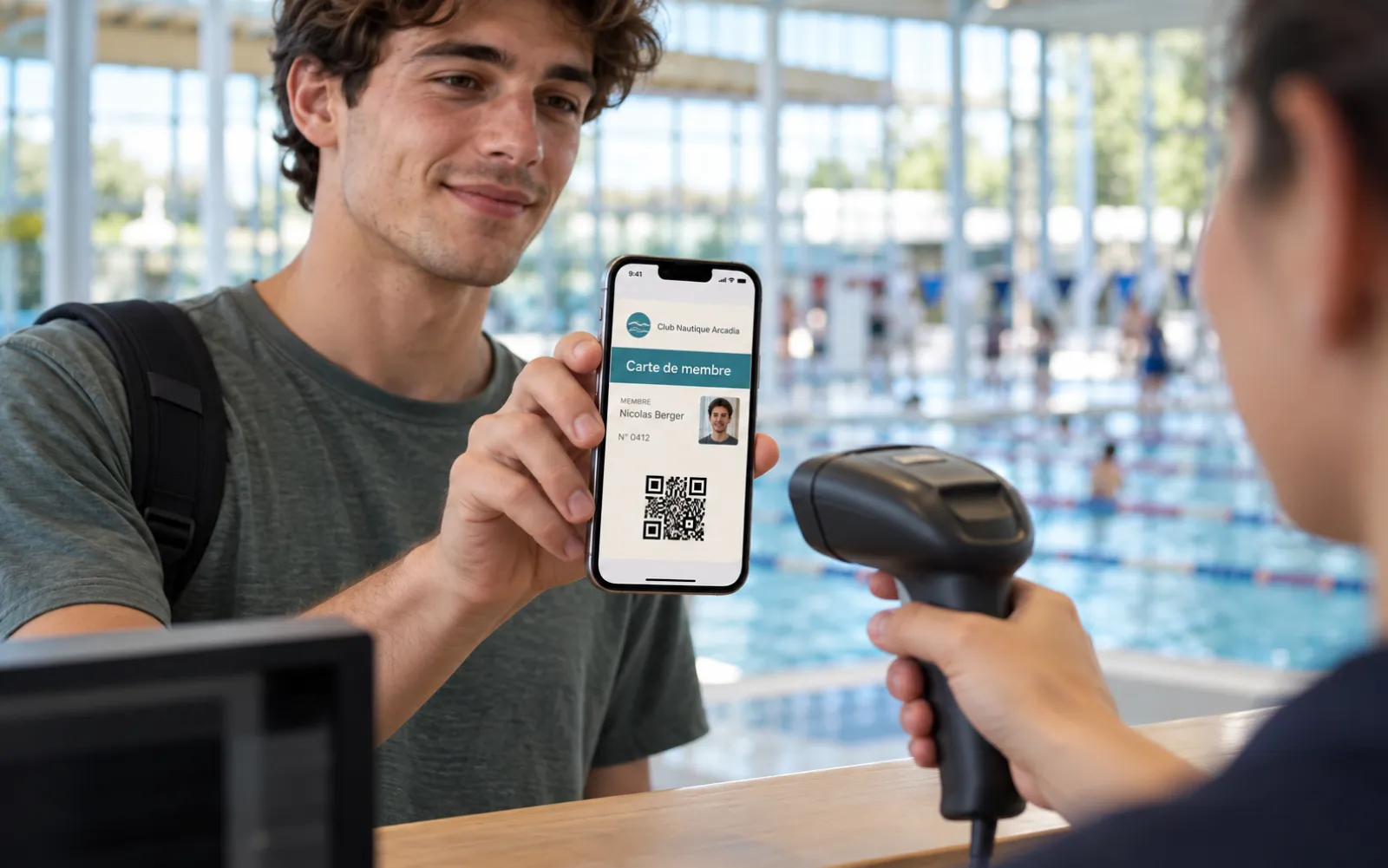
At the library, the canteen or the entrance, the code is read with a handheld scanner and the photo is checked in a glance.
At the door
The student shows their card: staff read its QR code or barcode with a handheld scanner or a tablet, and check the photo at a glance. Without a reader, a visual check is enough: name, number, photo and validity date are on the card. The check is done by reading the code: the card does not open a door.

The photos
Already have your students' photos? Upload them all at once in your dashboard, each image named with the student's number: they are cropped automatically and placed on the cards. A missing photo, or one to change, is uploaded card by card, at any time. The photo shows on the card in Apple Wallet and in the card details in Google Wallet.
Demo
Fictional programme: the name, number, validity date and code, as they appear in Apple Wallet or Google Wallet. With the photo option, the student's photo is shown next to the title, as here. Open the demo to put it in your institution's colours.
Try it on your phoneScan this code with your phone: the trial student card, with photo, is added to Apple Wallet or Google Wallet in one tap.
Demo: fictional programme.
The card as it appears in Apple Wallet and Google Wallet.
A year with the card
Everything is managed from your dashboard, in English: your students have nothing to redo from one year to the next.
The sign-up link goes out with your welcome e-mail, or its QR code is displayed at reception. Students add their card in seconds.
Imported all at once from your file, or uploaded one by one. A changed photo is updated on the card already installed.
Library, canteen, exam room, main entrance: the code is read, the photo is checked.
You change the validity date, and the artwork if you wish: the cards already installed are updated.
You deactivate their card in the list in your dashboard, and remove their photo. The other cards do not change.
Exceptional closure, exam registration, an event: your message reaches every student's phone as a notification.
Order online
Price + VAT for the pack and for the whole chosen period. Count one card per student, tick "With the cardholder's photo on the card" (+ 20%), choose the code read at the door and your student numbers; after payment, we prepare your card and you approve it before it is handed out.
Example: 1,000 cards for 1 year at £209 + VAT, i.e. £250.80 with the photo option = £0.25 per student for the year, updates included.
All quantities, from 50 to 50,000 cards: see the full Wallet Cards price list. A campus, several schools? Write to us, we reply within 24 hours.
Wallet Cards, three uses
The same pack of numbered cards, in Apple Wallet and Google Wallet: pick the use that fits you.
For a shop, a restaurant or a salon: each customer's code is read by your till, just like on a PVC card.
DiscoverFor a club, an association or a gym: name, number, validity, and a code scanned at the door.
DiscoverFor a school, a college or a university: name, number, photo and validity, with a code scanned at the door or the library.
You are herePrinted card and digital card
The two go together: the matching PVC card carries the same numbers and the same photos. You manage a single list of students, on two media.
| Digital student card | PVC student card | |
|---|---|---|
| Where the card is | In Apple Wallet or Google Wallet, on the phone | A PVC card with photo, in hand |
| The photo | On the card in Apple Wallet, in the card details in Google Wallet | Printed on the card |
| Handing out | A sign-up link or QR code, or a personal link per student | Handed over at the start of term |
| A student arrives mid-year | Their card is ready within a minute | A new print run |
| New year | Validity and artwork updated remotely | A new card, or a year sticker |
| Lost card | It is in the phone, and can be deactivated remotely if needed | Reprint |
How it works
You order once for 1, 2 or 3 years; the card then follows your years.
One card per student, the photo option, the period, the code read at the door and your student numbers.
After payment, we prepare the card in your institution's colours. You approve it before it is handed out.
A ZIP file with one image per student, or one photo at a time: they are cropped and placed on the cards.
One sign-up link for all, or a personal link per student: each one adds their card to their phone in one tap.
Who it is for
Matching PVC card
Many institutions keep a printed card: the matching PVC card carries the same numbers, the same photos and the same code as the Wallet Cards. We print it from the same file. The student shows one or the other, your reader reads both.
Badge with photo
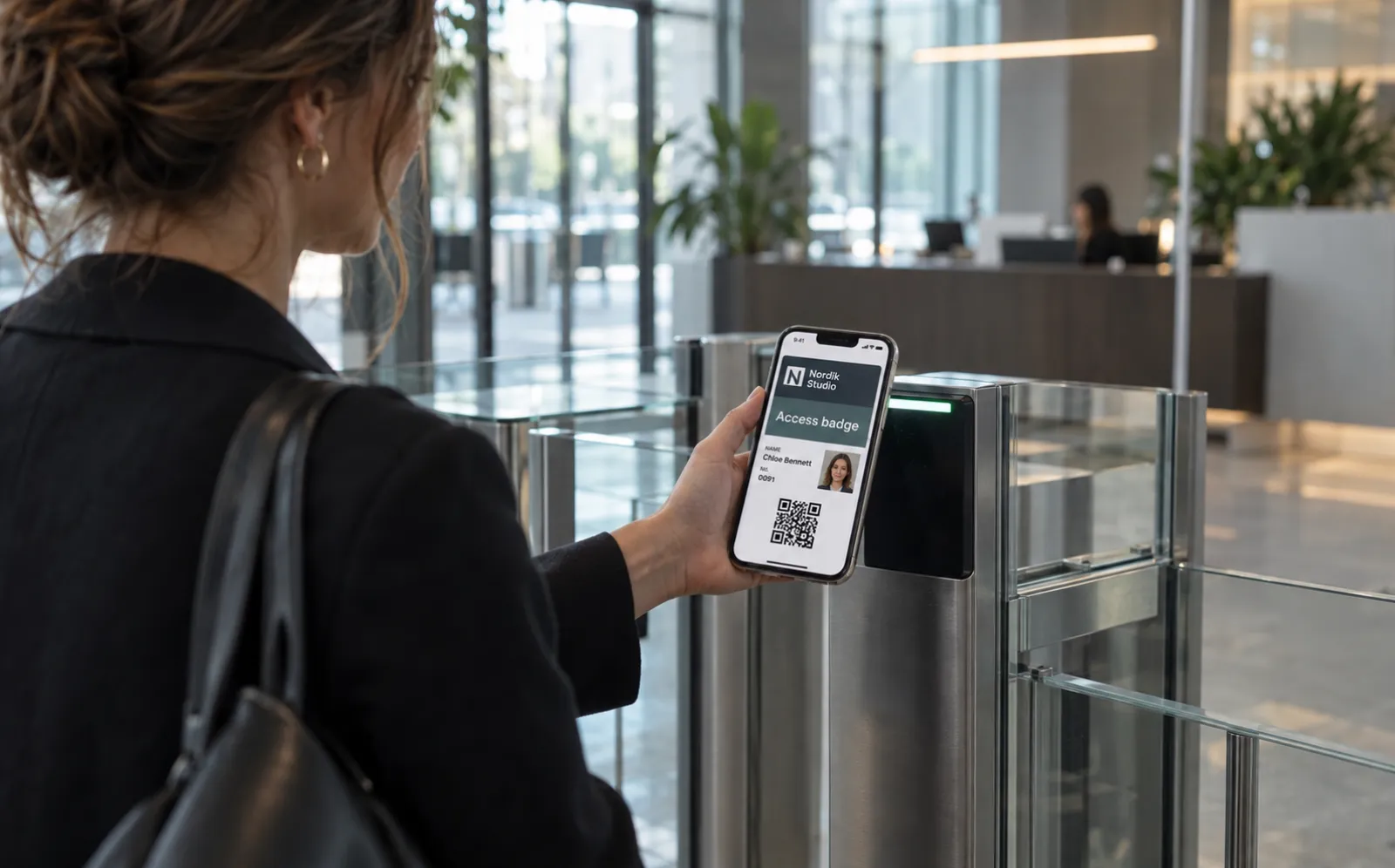
The same card with photo serves as a badge for staff, guest lecturers and visitors: name, role, number and photo, checked at reception by reading the code. The badge is deactivated remotely when the person leaves.
Prices
Price excl. VAT for the pack without photo, for the whole chosen period; the photo option adds 20% to the pack price. Nothing renews by itself. Four packs are shown here; packs of 100, 500, 2,500, 10,000, 25,000 and 50,000 cards are chosen in the order.
A class, a course
Card prepared in the institution's colours, photo option + 20%
OrderA training centre, a private school
Card prepared in the institution's colours, photo option + 20%
OrderA secondary school, a college
Card prepared in the institution's colours, photo option + 20%
OrderA campus, a university
Card prepared in the institution's colours, photo option + 20%
OrderFrequently asked questions
A student card stored in Apple Wallet or Google Wallet. It carries the institution's colours, the student's name and photo, their number, their validity date and a code to read at the door, the library or the canteen.
Yes. No regulation imposes a format for student cards: the institution issues the card and decides its form, printed, digital or both. The digital card complements the printed card; it is not an official identity document and does not replace the European Student Card, with which it coexists.
Yes. The photo is personal data, just as on the printed card: the institution remains the data controller, Lumacards acts as processor. Photos are stored in France, are used only to display the card, are never used for facial recognition, and are deleted twelve months after the end of the service or as soon as you remove them.
All at once: a ZIP file with one image per student, named with their number, uploaded in your dashboard. Or one by one, in the card list. Photos are cropped to a square automatically, and a photo can be changed at any time.
In Apple Wallet, on the card, next to the title. In Google Wallet, in the card details, opened with one tap from the card.
By reading the card's code, QR code or barcode, with a handheld scanner or a tablet, and by checking the photo. Without a reader, a visual check is enough: name, number, photo and validity date are shown on the card.
No. The card is checked by reading its code; it is not a contactless badge. To open a door with a badge, you need a PVC smart card: we print them, and they can complement the card in the phone.
You change the validity date from your dashboard, and it is updated remotely on the cards already installed. Students have nothing to redo.
Yes. You provide them in an Excel or CSV file, one line per card; a template file can be downloaded in the order. Otherwise, you give a starting number and the cards are numbered in sequence.
No. Apple Wallet is already on iPhones, Google Wallet on Android phones. The student opens the link and taps "Add to Apple Wallet" or "Add to Google Wallet".
Your pack of numbered cards, the preparation of the card in your colours, the photo option if you tick it, the sign-up link and personal links, the list of cards and photos in your dashboard and remote updates for 1, 2 or 3 years. The price is paid once; nothing renews by itself.
Yes. The matching PVC card carries the same numbers, the same photos and the same code as the Wallet Cards, printed from the same file. See our PVC student cards.
Digital student card, school ID in the phone
The digital student card is handed out with a simple link at the start of term. Universities, colleges, secondary schools, training centres and private schools give each student a student ID in the phone, stored in Apple Wallet or Google Wallet, with their photo, number and validity date. Validity is updated remotely each year, and a card is deactivated when a student leaves.
Used as a student badge with photo, the card is checked by reading its QR code or barcode and by checking the photo. It does not open a door: for a contactless badge, see our PVC smart cards. For a card in hand, discover our PVC student cards, ready for the European Student Card. The digital student card is part of the Wallet Cards, which also serve as a digital membership card and a digital loyalty card.
A campus, several sites, a question?
More than 50,000 students, several schools, printed PVC cards alongside, a European Student Card: tell us about your institution and we will reply within 24 hours.
Get your quote within 24 hours
Order online in a few minutes, or ask us your questions: we reply within 24 hours.