
Guide · 7 min read
Digital cards for business: how a digital card works and which one to choose
A digital card is online content in your colours that customers open with their phone, from a link, a QR code or an NFC chip, or keep in their phone wallet. You can edit it at any time, with nothing to reprint. This guide explains how it works and helps you choose among the four families in the range.
1. Digital cards in brief
- A digital card opens on a phone, from a link, a QR code or an NFC chip; there is nothing to install.
- Four families, four needs: Link Cards (reviews and social media), Team Cards (a team's contact details), Wallet Cards (loyalty and membership), Dynamic QR (the QR codes on your printed material).
- The content is edited without reprinting, from a single dashboard.
- Digital works on its own; printed cards in PVC or paper can go with it.
2. What is a digital card?
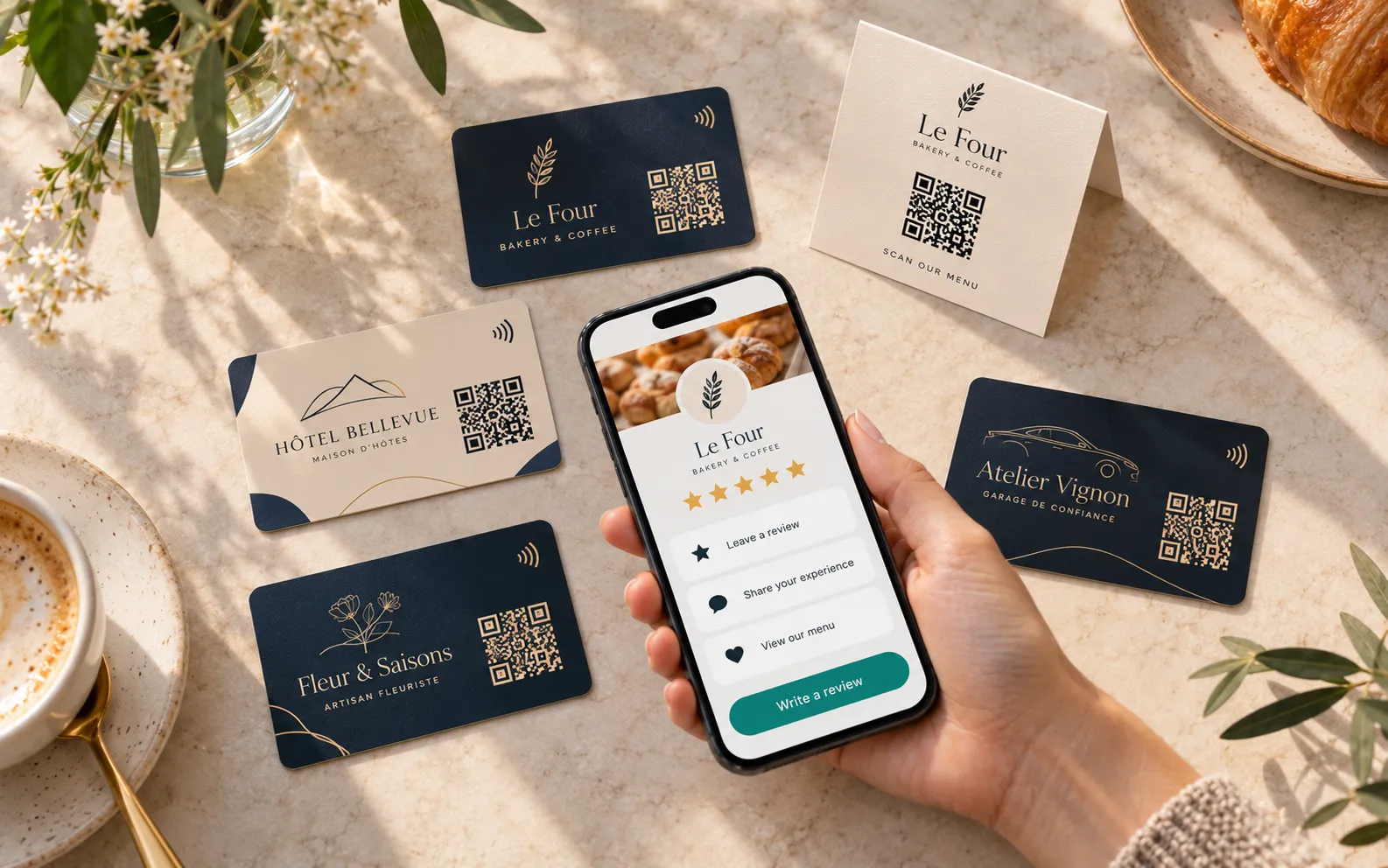
A digital card is online content in your colours, opened on a phone: a page of reviews and social media links, a team member's profile, a loyalty or membership card. It opens from a link, a QR code or, on a printed card, by holding the phone near its NFC chip.
The difference from a conventional card comes down to one idea: the object only carries an address, and the content lives online. You change a link, a phone number or a design from your dashboard, and the cards already handed out follow. You can also measure reads per day, per card and per country.
So a digital card is not just a way of sharing contact details: the Lumacards range of digital cards for business answers four separate business needs.
3. How does a digital card work?
There are three ways into a digital card: the NFC chip, the QR code and the phone wallet.
The NFC chip: hold the phone near the card
NFC is a contactless technology that works over a very short distance. The chip, set inside a PVC card, holds a web address: the customer holds their phone near the card and the page opens. iPhones from the iPhone 7 (iOS 14) and Android phones with NFC read the chip without an app. Our NFC cards also carry a QR code on the back as a fallback. For help choosing a chip, see our guide to NFC cards for business.
The QR code: point the camera
A QR code is read with the camera, on every phone, whether it is printed or shown on a screen. A static QR code contains the destination address itself: to change it, you have to reprint. A dynamic QR code leads to a short address whose destination you choose at any time.
The wallet: the card stays in the phone
Apple Wallet and Google Wallet are already on the phone. The person opens your link or scans your sign-up QR code, taps “Add”, and the card sits next to their bank cards. It keeps a bank-card format and carries a unique number with a barcode or QR code, read by your till or scanner. The design and the expiry date are updated remotely.
4. What are the four families of digital cards?
The range has four products: Link Cards, Team Cards, Wallet Cards and Dynamic QR. The table compares them on three points.
| Product | What it is for | How the customer uses it | What stays editable |
|---|---|---|---|
| Link Cards | Collecting reviews, gaining followers, taking bookings or calls | They hold their phone near the NFC card or scan the QR code: your page opens | Review links, social media, buttons and the order of the blocks |
| Team Cards | Sharing each team member's contact details | They hold their phone near the card or scan the QR code: the profile opens and the contact card is saved | Photo, job title, phone, WhatsApp, LinkedIn; joiners and leavers |
| Wallet Cards | Issuing a loyalty card, a membership card or an access pass | They add the card to Apple Wallet or Google Wallet from your link, then show it at the till or at the door | The design and expiry date, remotely; the holder's name; deactivating a card |
| Dynamic QR | Linking printed material or a screen to a page, and measuring scans | They scan the code with the camera | The destination of each QR code, as often as needed |
The four products can be combined in a single order and are managed from the same dashboard.
5. Which digital card suits your need?
Start from the goal: for each need of a shop, restaurant, club or small business, there is a family.
You want to collect reviews
Choose Link Cards. Their page brings together your review platforms, such as Google or Tripadvisor, your social media and up to three buttons: book, call, order. Placed on the table or at the counter, the card takes the customer to the right place; they then write whatever they wish.
You want to share contact details
Choose Team Cards, the NFC business card for teams. Each team member has an online profile with call, WhatsApp, e-mail and LinkedIn; the contact card is saved with a tap to the phone of the person they meet. It starts at five people.
You want to build loyalty or identify your members
Choose Wallet Cards: a pack of numbered cards for Apple Wallet and Google Wallet, from 50 cards. Points are counted by your till or your loyalty software, which reads the code on the card.
You want to manage a printed QR code
Choose Dynamic QR, the dynamic QR code sold in packs of 5 or 20. On a menu, a flyer, a poster or packaging, the code never changes; its destination does. You follow scans per day, per country and per device.
6. Do you still need printed cards?
No, digital works on its own: a page, a profile or a QR code can be shared by link or on a screen. Printed cards come in when an object to hand over or leave on a table makes the step more natural.
We print on two materials, PVC and paper: NFC cards in PVC, QR code cards in PVC or 350 gsm paper, table tents in rigid card. For Wallet Cards, a matching PVC card can carry the same numbers. Printing takes 6 to 8 working days after proof approval.
7. How do you set up your digital cards?
Five steps are enough, from choosing the goal to following the results.
- Set one goal: reviews, contacts, loyalty or measuring a printed piece.
- Choose the family, with or without printed cards.
- Customise: logo, colours, links, profiles, with a live phone preview.
- Share: by link or QR code straight away, then on your cards.
- Follow the statistics and adjust a link or where a card is placed.
8. Frequently asked questions
What is a digital card?
A digital card is online content in your colours, opened on a phone from a link, a QR code or an NFC chip: a page of reviews, a team member's profile, a loyalty or membership card. It can be edited at any time without reprinting.
Which phones can read a digital card?
iPhones from the iPhone 7 (iOS 14) and Android phones with NFC read the chip without an app. The QR code opens with the camera, on every phone. Wallet cards are added to Apple Wallet on iPhone and to Google Wallet on Android.
What is the difference between NFC, a QR code and a wallet?
NFC and the QR code are two ways of opening an online page: by holding the phone near a chip, or by pointing the camera at a code. The wallet stores the card in the phone, with a number and a code that your till or scanner reads.
Can a digital card be changed after printing?
Yes. The cards lead to a Lumacards address whose content or destination you change from your dashboard. Nothing needs reprinting.
Does a digital card replace printed cards?
It can work on its own, shared by link or on a screen. A printed card, in PVC or paper, is still useful when a card handed over or left on a table invites people to act.
Are Lumacards digital cards sold on subscription?
No: no subscription, no commitment. You pay once for the duration you choose, no bank card is stored and nothing renews on its own. At the end, you extend only if you wish.
Which digital card for your business?
Tell us your goal and your volumes: we will point you to the right family. Prices are shown on each product page.
No subscription, no commitment: you pay once for the duration you choose, and nothing renews on its own.