
A new season in one link
You send a single link to your members, or display its QR code at reception: each one adds their card to Apple Wallet or Google Wallet.
Wallet Cards · membership card and access pass on the smartphone
At the start of term or the start of the season, a single link is all it takes: each member adds their membership card to Apple Wallet or Google Wallet, with their number, validity date and QR code. At the door, the code is read with a handheld scanner or a tablet. The validity is updated remotely, and the card of a member who leaves is deactivated from your dashboard.

Why a digital membership card
You send a single link to your members, or display its QR code at reception: each one adds their card to Apple Wallet or Google Wallet.
The QR code or barcode on the card is read with a handheld scanner or a tablet. A simple visual check works too.
Each season, you change the validity date from your dashboard: it is updated remotely, in every phone.
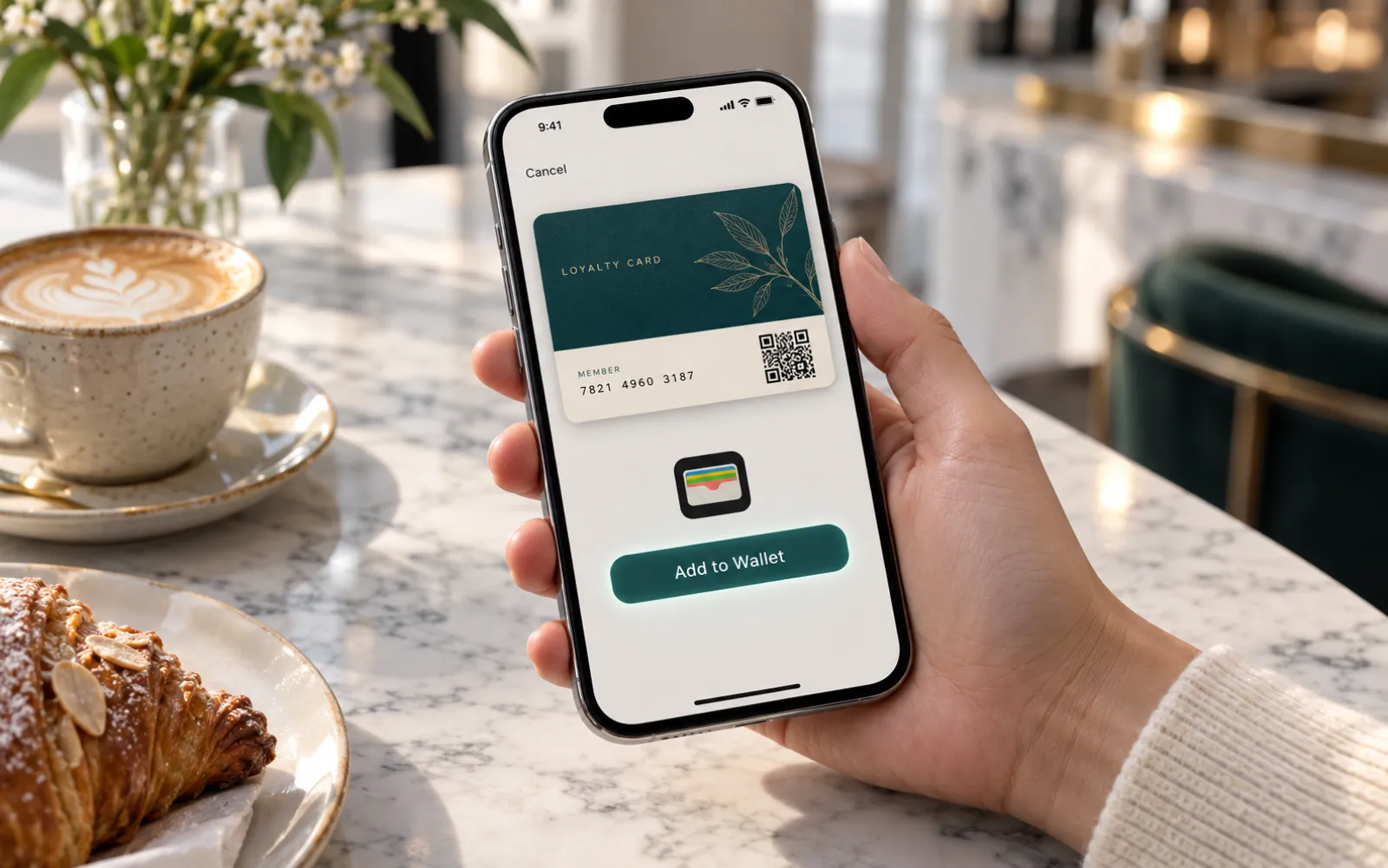
Start of term, start of the season
Drop the sign-up link into your start-of-season e-mail, or display its QR code at reception: each member adds their card to their phone in one tap and receives the next available card in your pack. Want a particular card to go to a particular person? Send them that card's personal link. The name can also be added later, once the membership has been recorded.
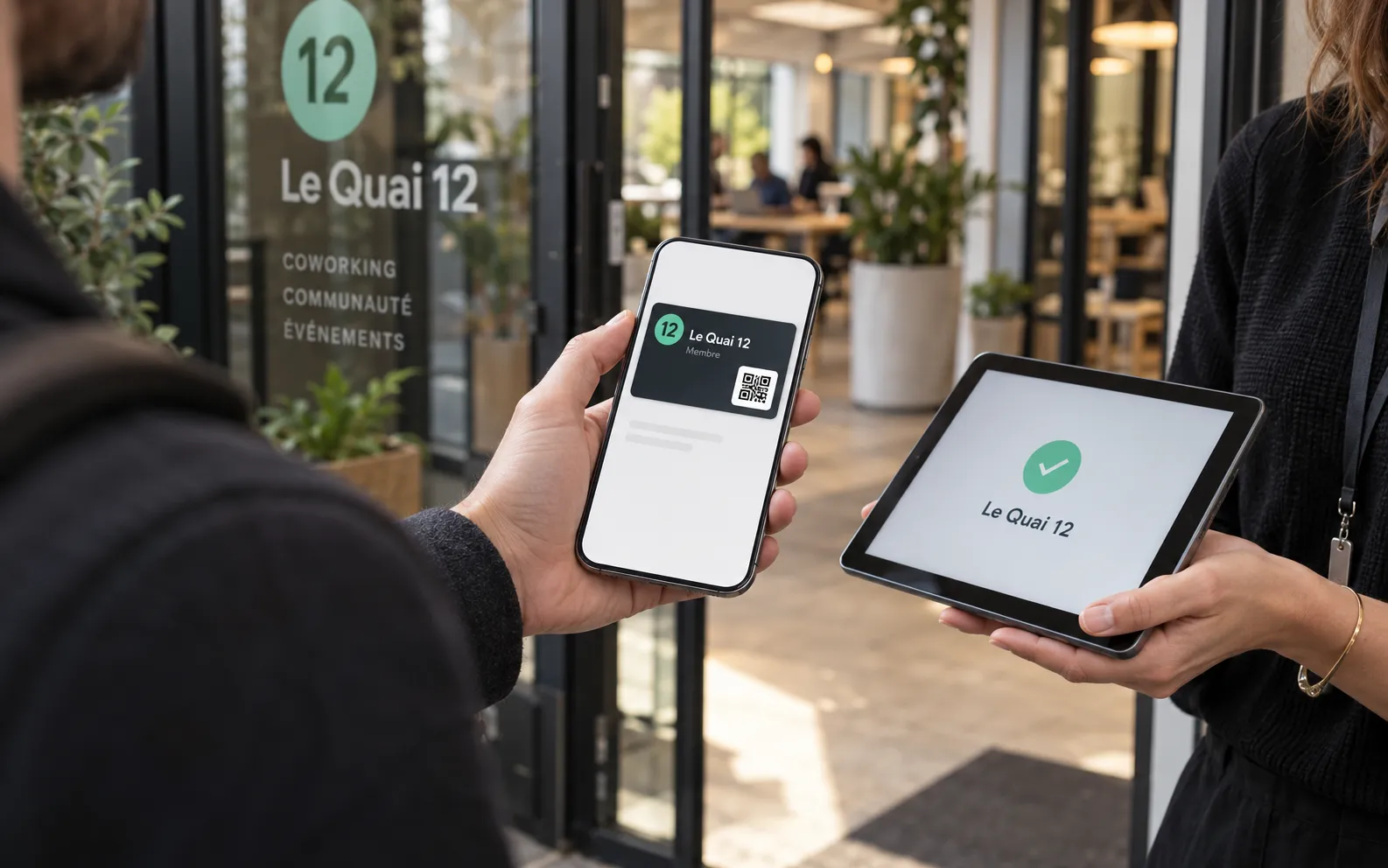
At the door
The member shows their card; you read its QR code or barcode with a handheld scanner or a tablet. Without a scanner, a simple visual check of the name, number and validity date is enough. The check is done by reading the code: the Wallet Card is not a contactless access card and does not control the opening of a door.
Demo
A fictional club: the member's name, their number, the validity date and the code, as they appear in Apple Wallet or Google Wallet. Open the demo to put it in your organisation's colours.
Demo: fictional programme.
Your card, in bank card format: in your colours, with your pattern and your font.
A season with the card
The card follows the life of your organisation from your dashboard: your members have nothing to redo from one season to the next.
The sign-up link goes out with your start-of-season e-mail. Members add their card at home, before their first visit.
At reception, the QR code on the card is read with a handheld scanner or a tablet, or checked at a glance.
You change the validity date and, if you wish, the design: the cards already installed are updated.
You deactivate their card in the list in your dashboard. The other members' cards do not change.
Order online
All prices + VAT, for the pack and for the whole period you choose. Allow one card per member, choose the code read at the door and your membership numbers; after payment, we prepare your card and you approve it before it goes out.
Example: 500 cards for 1 year at £149 + VAT = £0.30 per member for the season, remote updates included.
Every quantity, from 50 to 50,000 cards: see the full Wallet Cards price list. A federation, several sites? Write to us, we reply within 24 hours.
Wallet Cards, two uses
The same pack of numbered cards, in Apple Wallet and Google Wallet: pick the use that fits you.
For a shop, a restaurant or a salon: each customer's code is read by your till, just like on a PVC card.
DiscoverFor a club, an association or a gym: name, number, validity, and a code scanned at the door.
You are hereAccess pass
The two work together: the Wallet Card identifies your members at the door; to open a door with a contactless card, you need a PVC smart card.
| Wallet Cards | PVC smart card | |
|---|---|---|
| Where the pass lives | In Apple Wallet or Google Wallet, on the phone | A PVC card, in the hand |
| How the check is done | The QR code or barcode is scanned, or the card is checked visually | The chip is read contactlessly |
| What you need at the door | A handheld scanner, a tablet, or someone at reception | The reader of your access control system |
| Opening a door with a card | No: the card is shown, it does not control a door | That is the job of the PVC smart card |
| Distribution | A sign-up link or QR code | Handed over in person or sent by post |
| New season | Validity and design updated remotely | A new card if the design changes |
How it works
You order once for 1, 2 or 3 years; the card then follows your seasons.
One card per member: the quantity, the period, the code read at the door and your membership numbers.
After payment, we prepare the card in your organisation's colours. You approve it before it goes out.
One sign-up link for everyone, or a personal link for each member: each one adds their card to their phone in one tap.
The code is read with a handheld scanner or a tablet. Each season, you update the validity remotely.
Who it is for
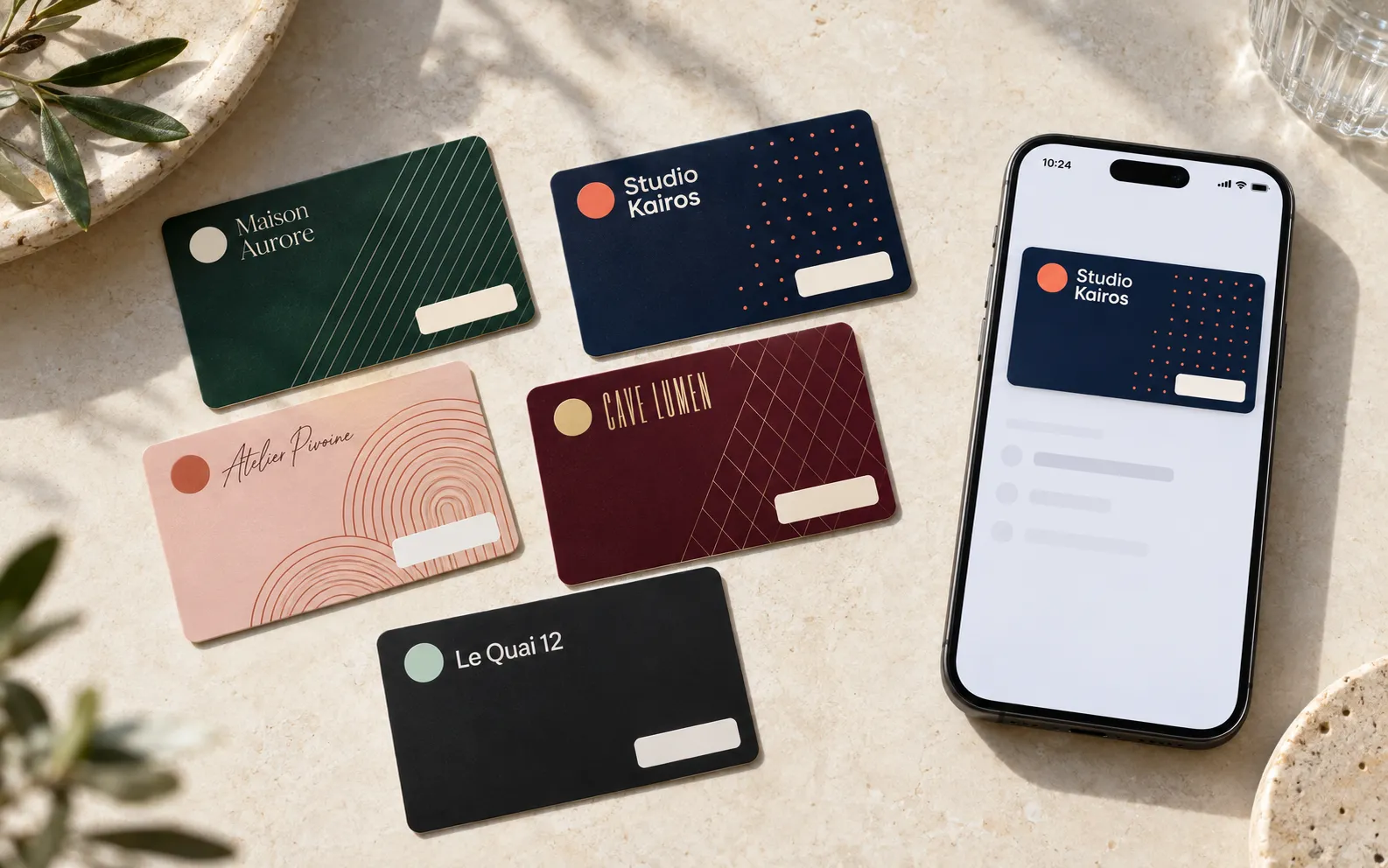
Your design
Your logo, your colours, a background pattern and the font of your choice for the title: the card is laid out in bank card format. Each card shows the member's number, their name if it has been entered, and the validity date.
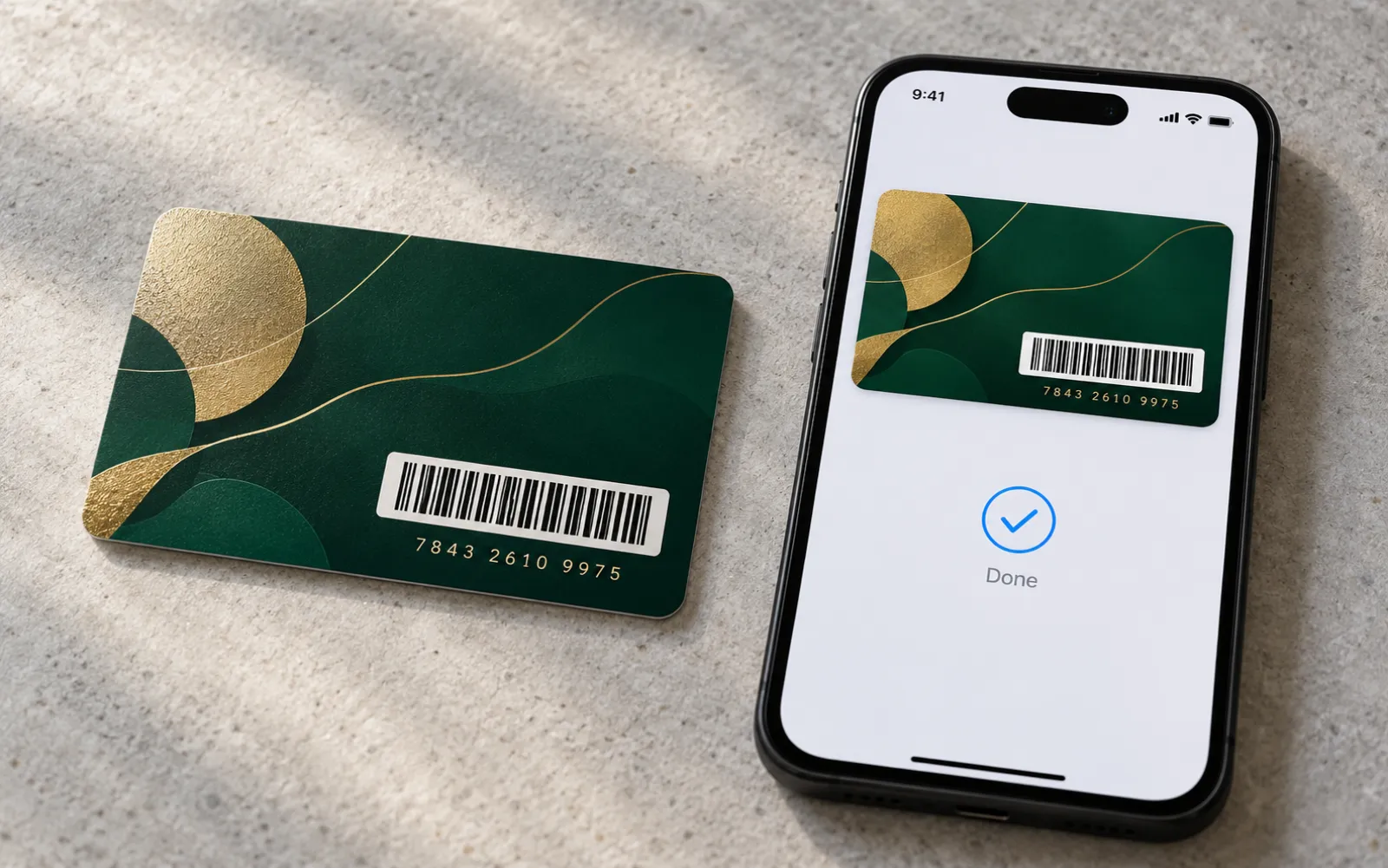
Matching PVC card
Some of your members prefer a card to slip into their wallet or a badge to wear: the matching PVC card carries the same numbers and the same data. You manage a single list of members, in two formats.
Prices
Prices excl. VAT for the pack and for the whole period you choose; nothing renews on its own. Four packs appear here; packs of 100, 500, 2,500, 10,000, 25,000 and 50,000 cards can be chosen when you order, and every price is set out on the Wallet Cards page.
A small association, a team
Membership card prepared in your colours, validity editable remotely
OrderA sports club, a coworking space
Membership card prepared in your colours, validity editable remotely
OrderA gym, a school
Membership card prepared in your colours, validity editable remotely
OrderA campus, a federation
Membership card prepared in your colours, validity editable remotely
OrderFrequently asked questions
A membership card kept in Apple Wallet or Google Wallet. It carries your organisation's colours, a unique number, a code to scan at the door and, if you wish, the member's name and a validity date.
No: no subscription, no commitment. You pay once for the duration you choose, no bank card is stored and nothing renews on its own. At the end, you extend only if you wish.
You send everyone the same sign-up link, or you display its QR code at reception: each member receives the next available card and adds it to their phone in one tap. To assign a particular card to a particular person, you send them that card's personal link.
By reading the code on the card, QR code or barcode, with a handheld scanner or a tablet. Without a scanner, a visual check is enough: the name, number and validity date are displayed on the card.
No. The Wallet Card is checked by reading its code; it is not a contactless access card. To open a door with a card, you need a PVC smart card: we print them, and one can work alongside the card in the phone.
You change the validity date from your dashboard, and it is updated remotely on the cards already installed. Your members have nothing to redo.
You deactivate their card in your dashboard. The other members' cards are not affected.
Yes. You supply them in an Excel or CSV file, one line per card; a file template can be downloaded when you order. Otherwise, you enter a starting number and the cards are numbered in sequence.
No. The name is optional: you order a number of cards, and you add or correct the names later, card by card or from a file.
No. Apple Wallet is already in iPhones, Google Wallet in Android phones. The member opens the link and taps “Add to Apple Wallet” or “Add to Google Wallet”.
Your pack of numbered cards, the preparation of the card in your colours, the sign-up link and the personal links, the list of cards in your dashboard and remote updates for 1, 2 or 3 years. The price is paid once; nothing renews on its own.
They stay active for the whole period you choose. At the end, you decide whether or not to extend: nothing renews on its own and no payment card is stored. Your data is kept for twelve months.
Digital membership card, mobile membership card
The digital membership card is given out with a simple link, at the start of term or the start of the season. Sports clubs, associations, gyms, schools, coworking spaces and museums give each member a mobile membership card, kept in Apple Wallet or Google Wallet, with its number and its validity date. The validity is updated remotely each season, and a card is deactivated when a member leaves.
Used as an access pass on the smartphone, the card is checked by scanning its QR code or its barcode at the door. It does not control a door: for a contactless access card, see our PVC smart cards. For a card in the hand, discover our membership cards and our ID badges. The digital membership card is part of Wallet Cards, which also serve as a digital loyalty card.
A federation, several sites, a question?
More than 50,000 members, several sections or several sites, PVC smart cards alongside: tell us about your organisation and we will reply within 24 hours.
Get your quote within 24 hours
Order online in a few minutes, or ask us your questions: we reply within 24 hours.